 Memoria
Your AI tools forget. Memoria doesn't.
One local memory shared by every AI coding tool. Hit a usage limit in one, open another, and it already knows what you were working on.
$ npx @xinzzu/memoria@latest server
Then open http://127.0.0.1:48210. Node.js 22.5 or newer for the CLI.

- 9tools captured
- 12MCP clients, one-click setup
- 92.8–100%hit@5 retrieval, zero LLM calls
- 0accounts or cloud services required
The problem
Every switch starts with a re-explain.
Claude doesn't remember yesterday's session. Codex doesn't know the decision you made in Gemini CLI. When you hit a limit mid-task, you spend the next ten minutes rebuilding context.
14:30, limit reached
You open another tool at 14:31 and paste in the same background, the same decisions and the same half-finished plan.
14:31, already caught up
The new tool opens with your open tasks, locked decisions, current branch and dirty files. You keep going.
How it works
Capture, extract, recall.
Memoria runs in your tray and watches the session files your tools already write. There is nothing to wire up per project.
-
Capture
Sessions from nine AI coding tools are read as they happen. When a tool reports a usage limit, Memoria snapshots your files, commands and git state right away.
-
Extract
Transcripts become memories: facts, decisions, tasks and fixed errors. This works with no model at all, and gets sharper if you add Ollama.
-
Recall
Any MCP client can recall and curate memories. A resume block is also written into AGENTS.md, CLAUDE.md and GEMINI.md for tools that read files.
A resume block that stays current
About four minutes after a session goes quiet, or immediately on a usage limit, Memoria writes an idempotent block into your project's context files.
Newer decisions replace older ones about the same subject, so the block does not fill up with stale choices.
## SESSION RESUME> claude · 14:32 · branch: feat/authOpen tasks:- [ ] finish the refresh-token endpoint in routes/api.tsLocked decisions (do not repeat):- JWT access tokens, 15 min, not sessionsDirty files (git): src/auth/middleware.ts, src/auth/routes.ts_Continue the work above. Do not re-litigate locked decisions._
Supported tools
Works with the tools you already use.
tools captured automatically
- Claude Code
- Codex
- Gemini CLI
- opencode
- Copilot
- Antigravity
- VS Code
- Cursor
- Windsurf
MCP clients with one-click registration
- Claude Code
- Claude Desktop
- Codex CLI
- Gemini CLI
- opencode
- Copilot CLI
- Antigravity
- Cursor
- Windsurf
- VS Code
- Cline
- Zed
Anything else that speaks MCP can connect to http://127.0.0.1:48210/mcp. Registrations merge into your existing configs and never overwrite them.
What you get
Memory your agents can read and curate.
Nine MCP tools
recall, remember, update_memory, forget, related, project_context, get_memory, file_context and build_context. Agents edit the brain, not only read it.
Hybrid retrieval
FTS5 keyword search, embeddings and graph centrality, tolerant of typos. hit@5 of 92.8–100% on a reproducible benchmark, with no LLM calls.
Pre-limit snapshots
The moment a tool reports a usage limit, work state is saved and injected, before you are locked out.
Tasks and timeline
Every task your AI sessions promised, on one checkable board, next to per-project activity and git history.
Memory graph
See how decisions, fixes and files connect in a 3D force graph with 2D fallbacks.
Team project brain
Opt in to a .memoria/brain.md file in the repo, so decisions and conventions travel through git and show up in PRs.
The dashboard
Everything Memoria knows, in one place.
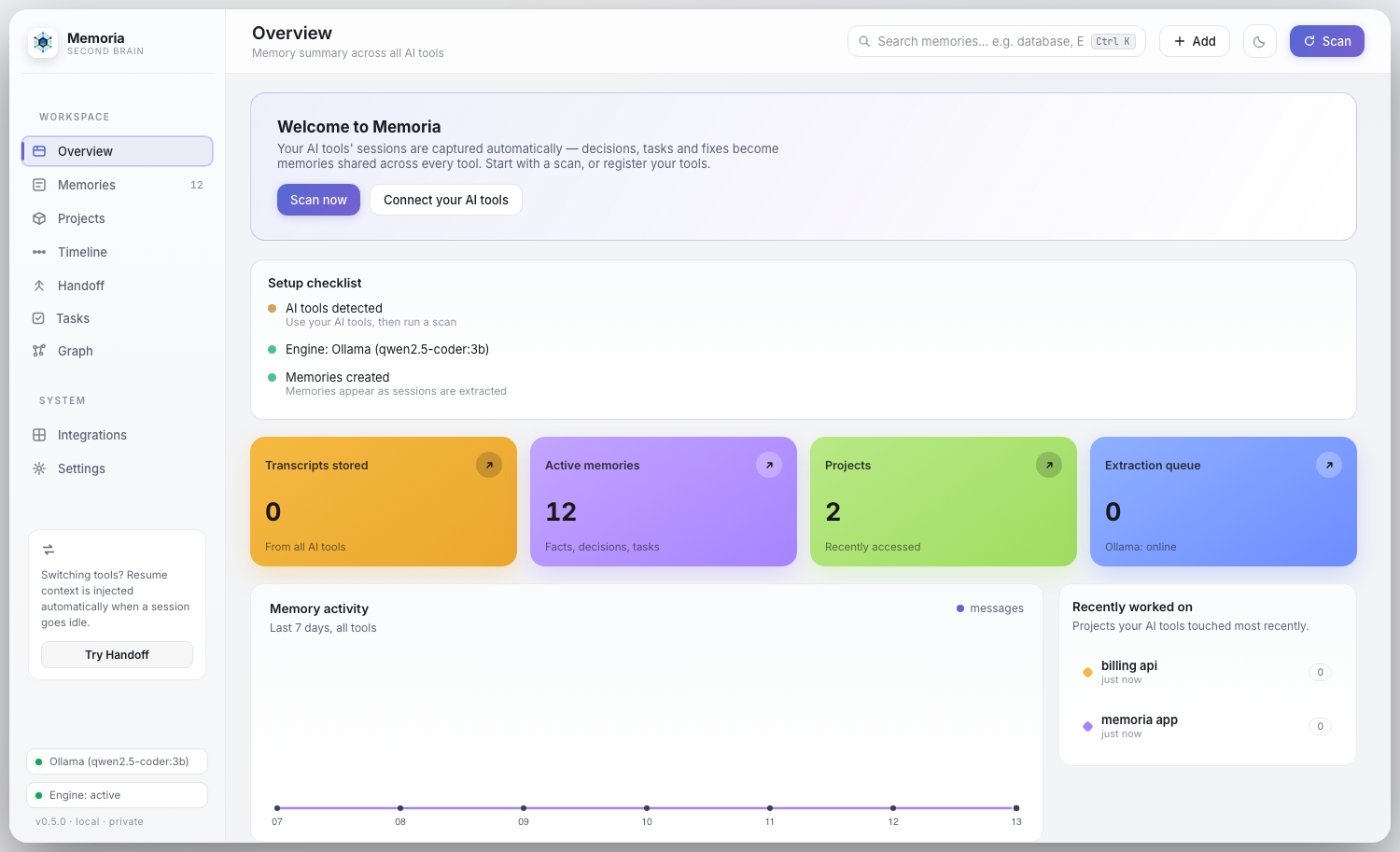
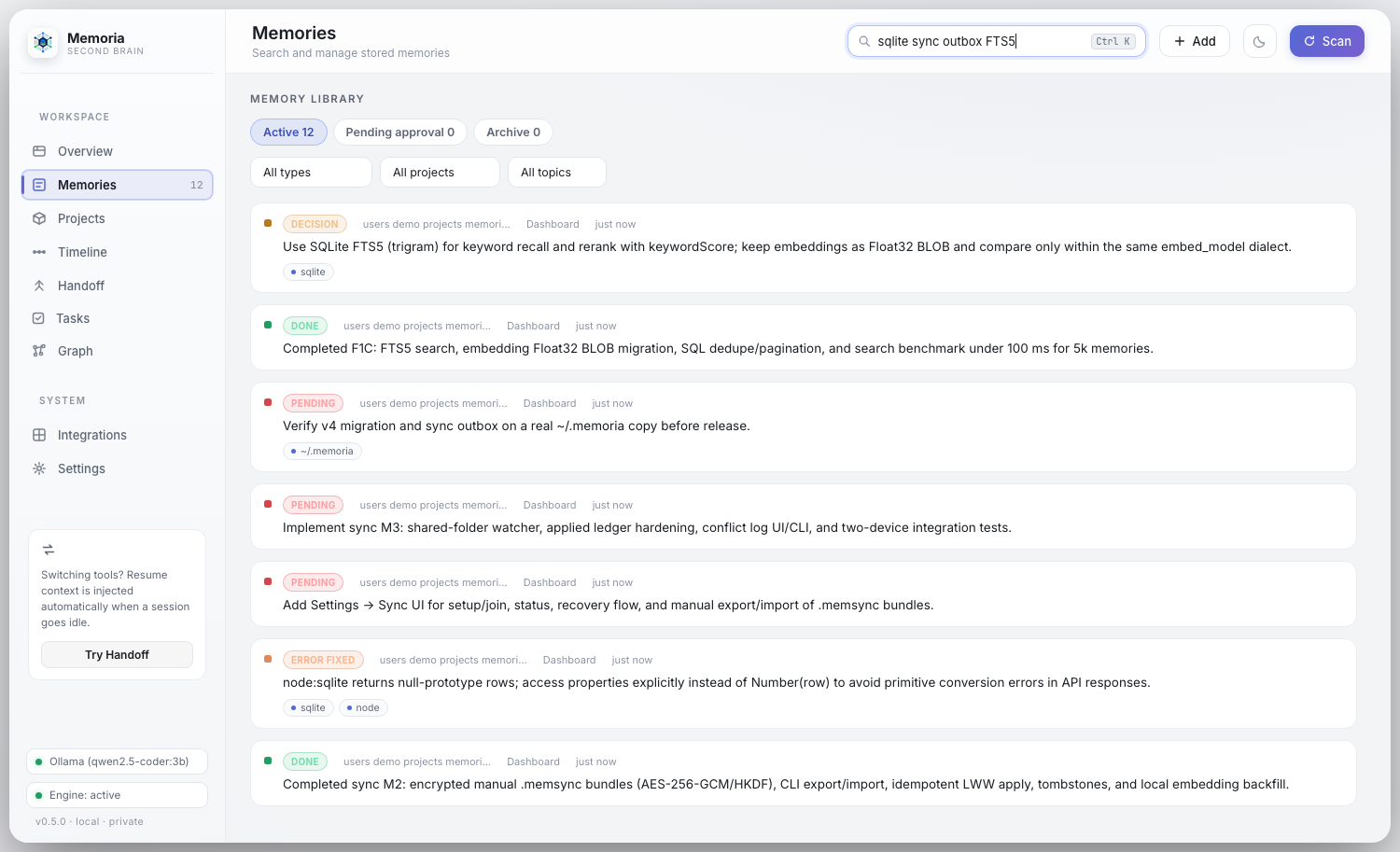
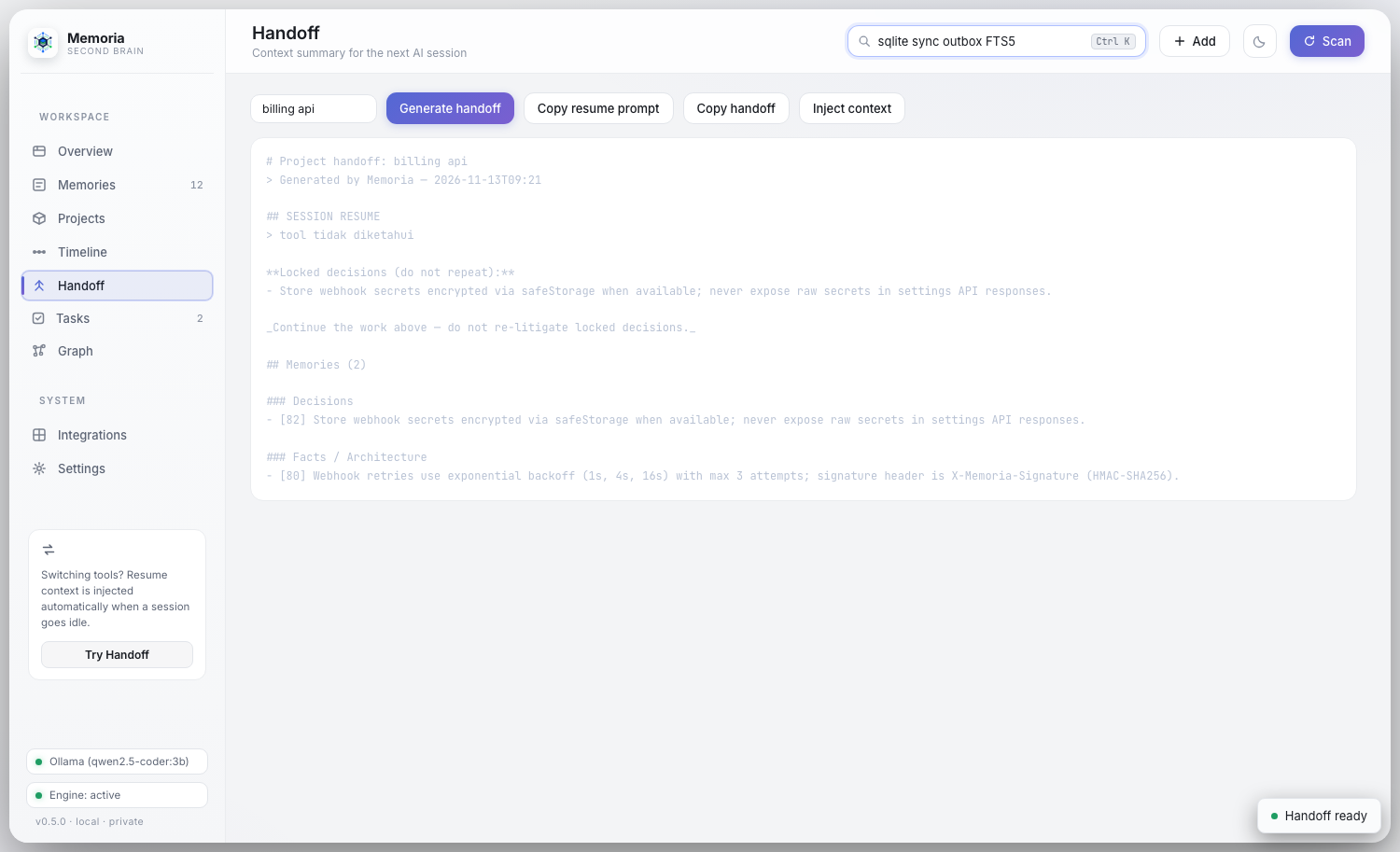
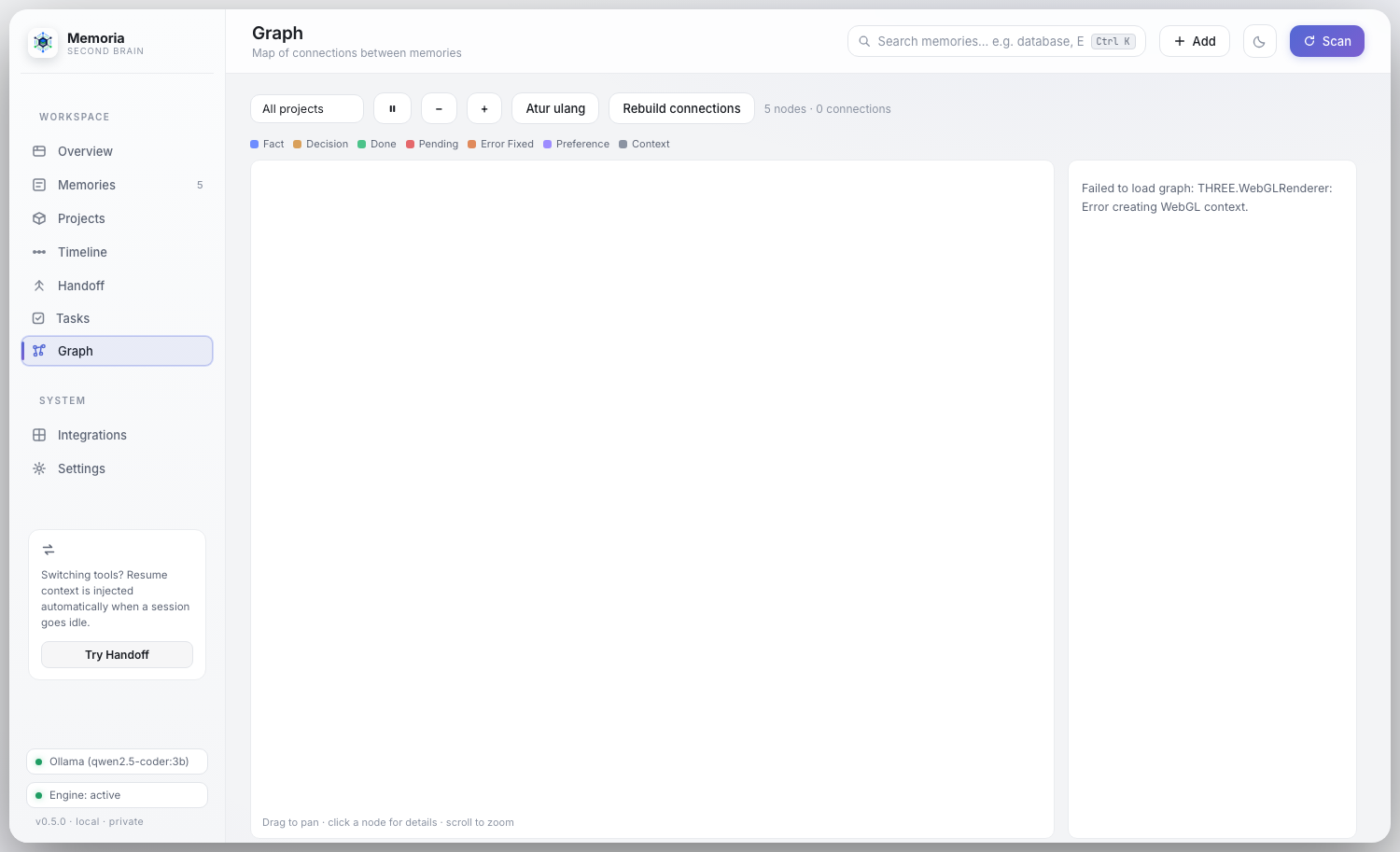
Privacy
Your sessions stay on your machine.
No account, no cloud service and no telemetry. Everything lives in a local SQLite database.
Local by default
- Capture, extraction and search run on your computer, in
~/.memoria. - Works with no model at all. Ollama is an optional upgrade.
- Nothing leaves your machine unless you opt in: an OpenAI-compatible endpoint, webhook notifications, or encrypted sync.
- API keys, tokens, private keys and passwords are redacted before anything is stored.
Optional encrypted sync
- Move your library between your own devices with end-to-end encrypted
.memsyncbundles (AES-256-GCM). - Use a manual export or a shared folder such as Dropbox, iCloud or Syncthing. No server involved.
Never synced: embeddings, secrets, settings, raw transcripts and machine-local paths.
Install
Running in a minute.
Get the desktop app, or run the headless server with one command. On first launch a setup assistant finds your tools and imports past sessions.
macOS and Windows builds are not signed or notarized yet. On macOS, drag to Applications, then right-click and choose Open the first time.
Headless or CLI
For servers, WSL and devcontainers. Needs Node.js 22.5 or newer.
$ npx @xinzzu/memoria@latest server
Dashboard, API and MCP all run on http://127.0.0.1:48210. Prefer a global install? npm install -g @xinzzu/memoria, then memoria server.